
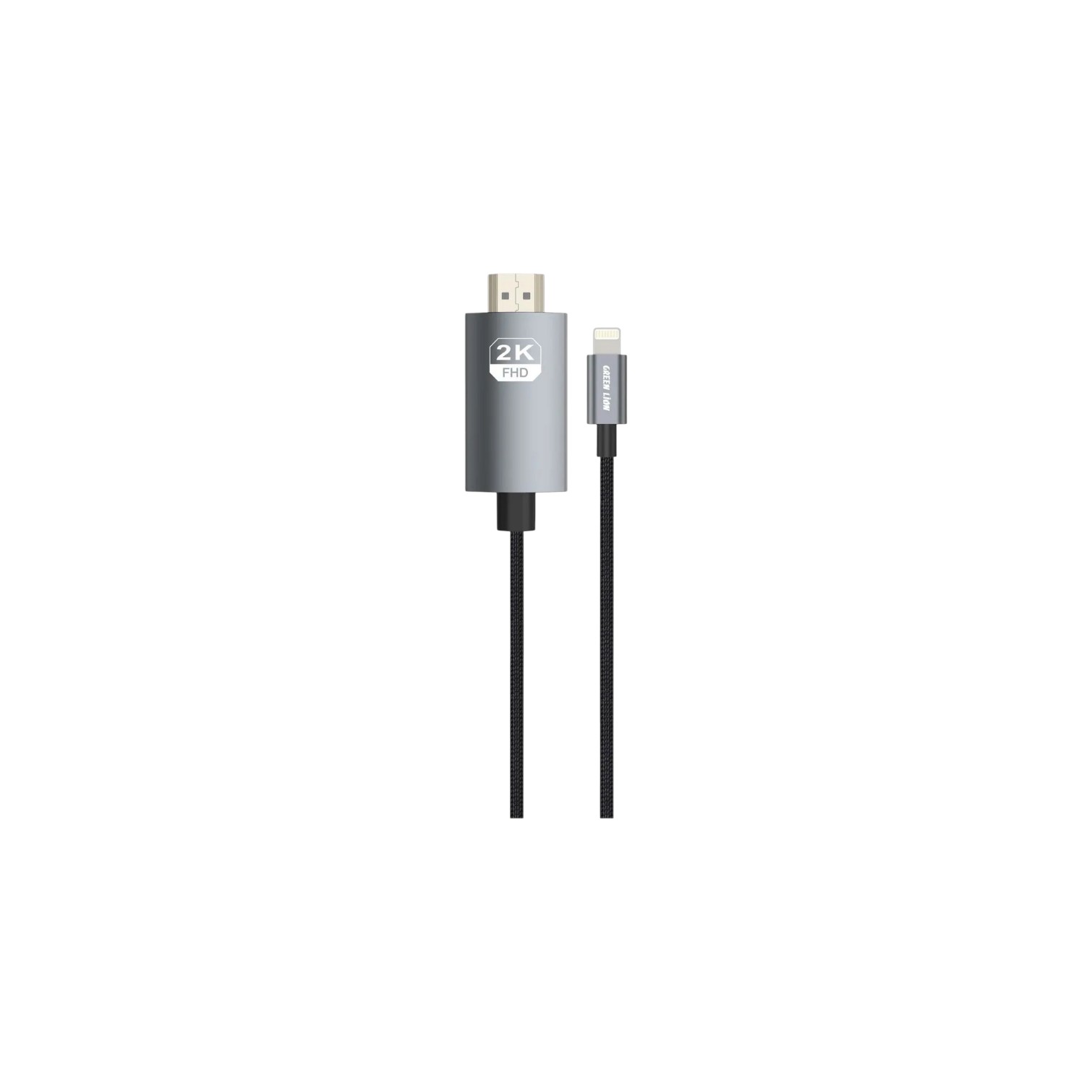
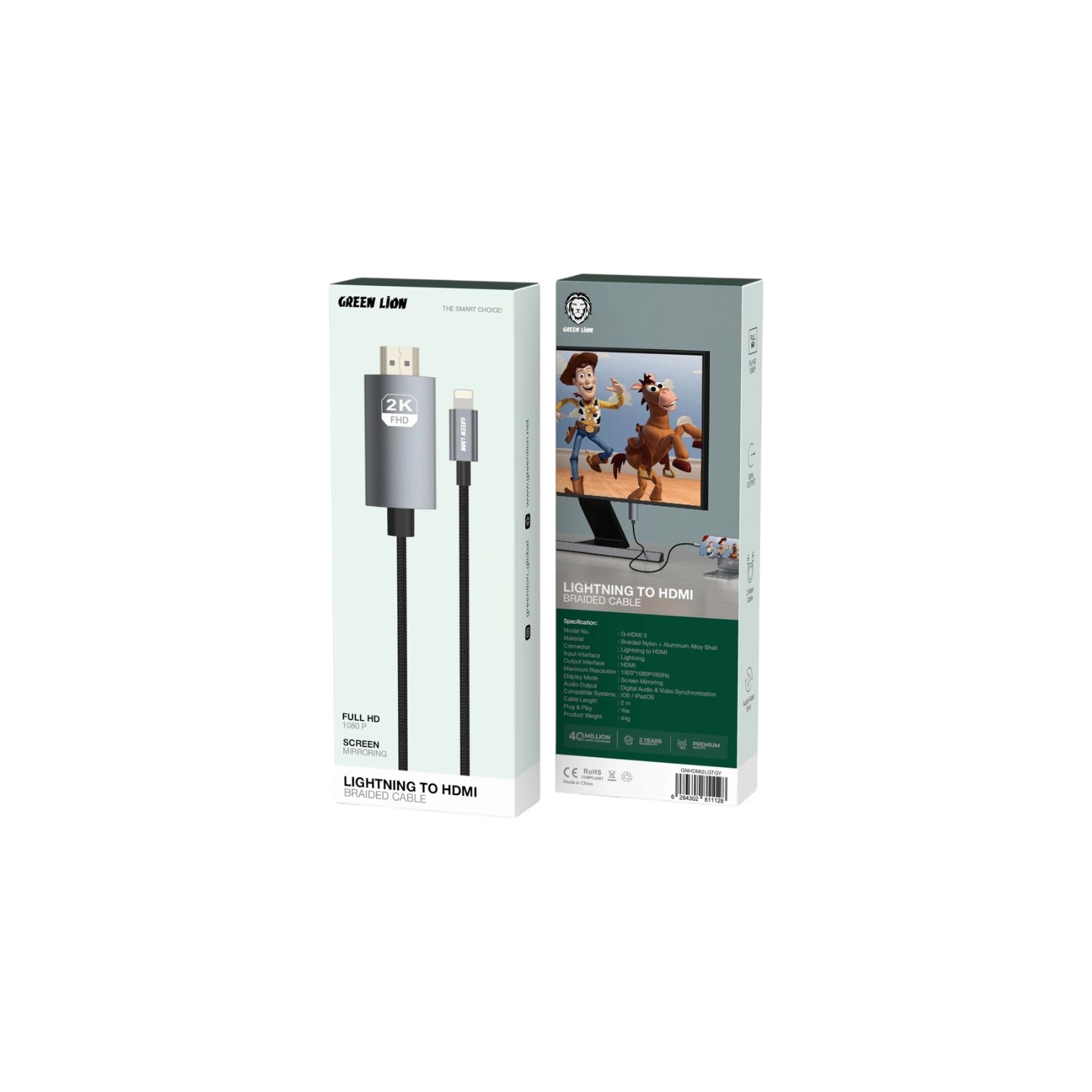



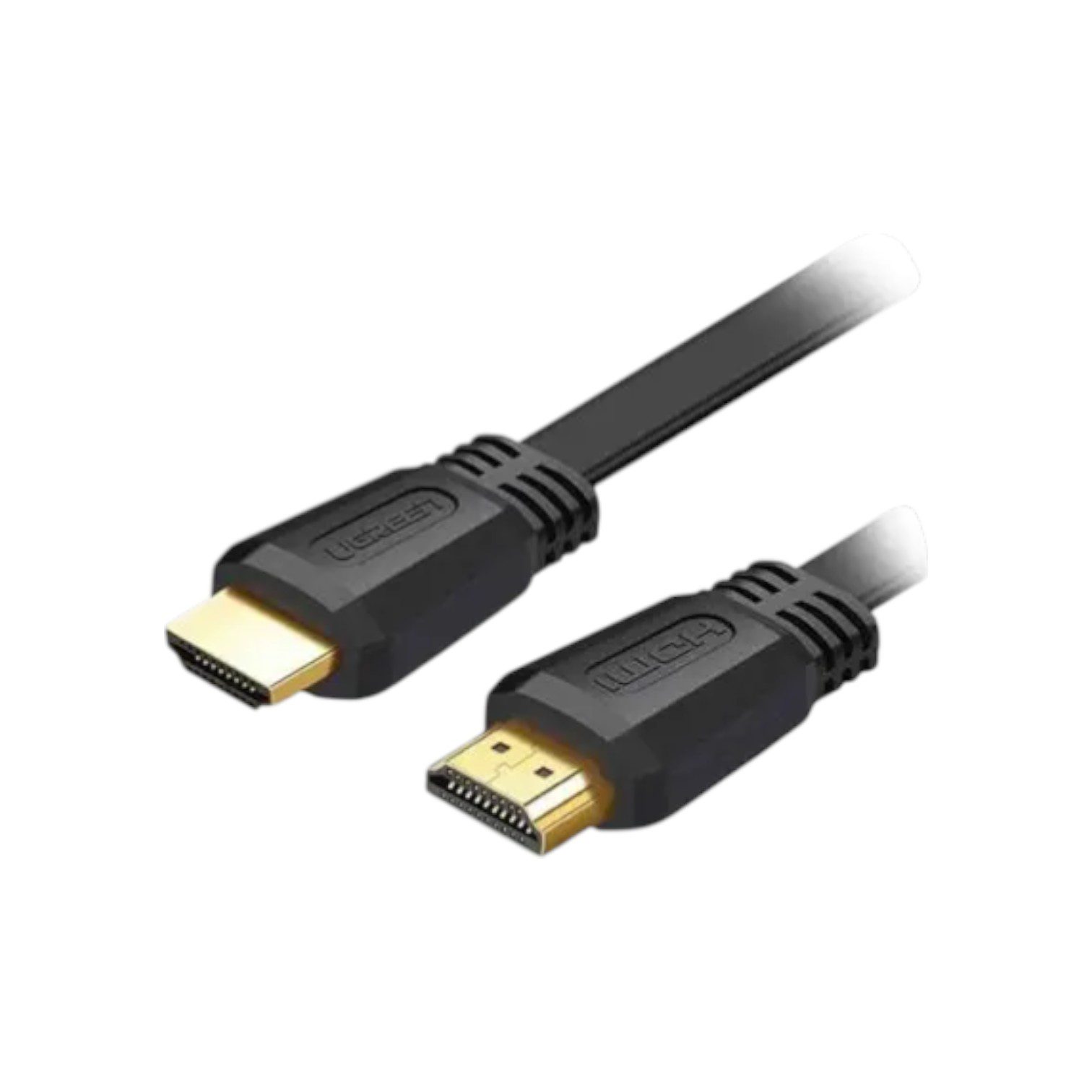
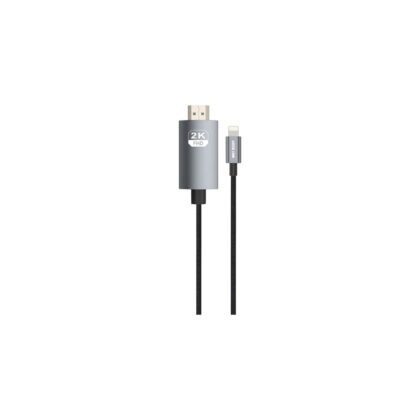
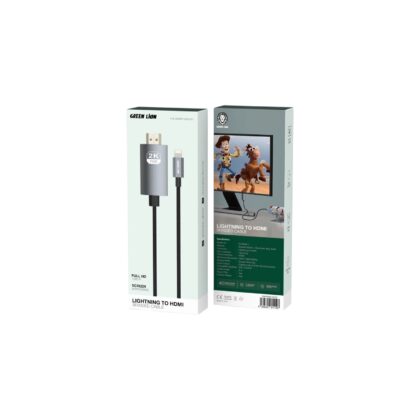
Green Lion Lightning to HDMI 2m Braided Cable (1080p 60Hz Screen Mirroring)
Mirror your iPhone or iPad screen onto any TV, monitor, or projector with the Green Lion Lightning to HDMI Cable. Built for home entertainment, classroom lessons, and office presentations, this 2-meter cable streams crisp Full HD 1080p visuals at 60Hz. Furthermore, synced digital audio and video keep movies, slides, and games smooth without lag. Therefore, whether you are sharing vacation photos or presenting from your iPad, every frame looks sharp on the big screen.
Moreover, driver-free plug-and-play operation, tough, braided nylon, and an aluminum alloy shell make daily connections very simple. Consequently, you plug the Lightning end into your iOS device and the HDMI plug into your display without needing extra adapters or power cables. In addition, the generous 2-meter tangle-free length lets you sit back comfortably from your couch or desk. Ultimately, this durable Lightning to HDMI Cable delivers reliable big-screen mirroring anywhere you go.
Key Features of the Green Lion Lightning to HDMI Cable
-
Full HD 1080p @ 60Hz Screen Mirroring: Furthermore, high definition 1920×1080 resolution at 60Hz delivers smooth motion and clear text on TVs and projectors.
-
Synced Digital Audio & Video Output: Consequently, sound and picture transmit together cleanly for movies, video calls, and live gaming sessions.
-
Driver-Free Plug & Play Setup: In addition, no apps, Wi-Fi, or external power cables are required—just connect both ends and mirror immediately.
-
2-Meter Tangle-Free Braided Nylon Cable: Meanwhile, extra 2m reach gives you comfortable freedom to control your phone or iPad from across the room.
-
Rugged Aluminum Alloy Connector Shells: As a result, heat-dissipating metal housings resist daily bending, pulling, and travel wear for long-term durability.
-
Broad iOS & iPadOS Compatibility: Finally, the Lightning to HDMI Cable works seamlessly with Lightning-equipped iPhones and iPads for work or entertainment.
Green Lion Lightning to HDMI Cable Technical Specifications & Details
| Technical Category | Specification Details |
| Product Model | Green Lion Lightning to HDMI 2m Braided Screen Mirroring Cable |
| Input Interface | Apple Lightning Connector (Male) |
| Output Interface | Standard HDMI Connector (Male) |
| Maximum Resolution | Full HD 1920 × 1080p @ 60Hz |
| Display & Audio Mode | Real-Time Screen Mirroring / Synced Digital Audio & Video |
| Cable Length | 2 Meters (6.6 Feet) Tangle-Free Design |
| Build Materials | High-Density Braided Nylon Jacket + Aluminum Alloy Shells |
| System Compatibility | iOS & iPadOS Devices with Lightning Port |
| Setup & Power | Driver-Free Plug & Play (No External Power Required) |
Setup, Usage & Related Accessories for the Green Lion Lightning to HDMI Cable
-
Quick Setup: First, plug the HDMI connector of the Green Lion Lightning to HDMI Cable into an available HDMI port on your TV, monitor, or projector and select that HDMI input source. Next, insert the Lightning connector directly into your iPhone or iPad and tap “Trust” if prompted on screen. After that, your device screen mirrors instantly in 1080p 60Hz with synced audio—no apps or extra power needed.
-
Explore Related Accessories: Browse our full range of cables & adapters, USB-C hubs & OTG connectors, and portable projectors to complete your display and connectivity setup.




There are no reviews yet.